Aesthetic Digital Planner: Organize Creatively
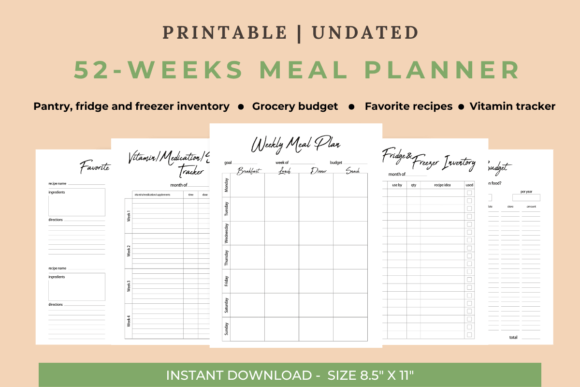
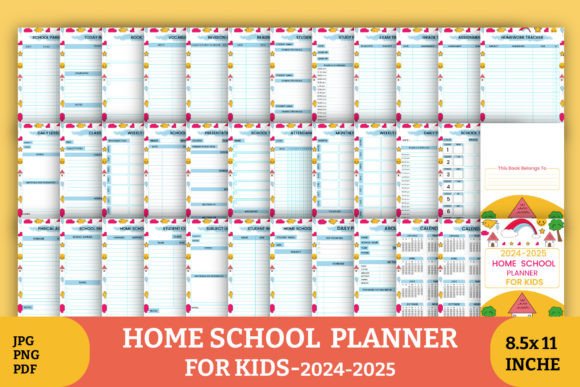
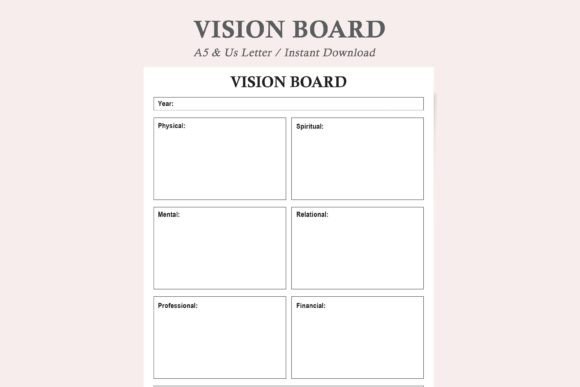
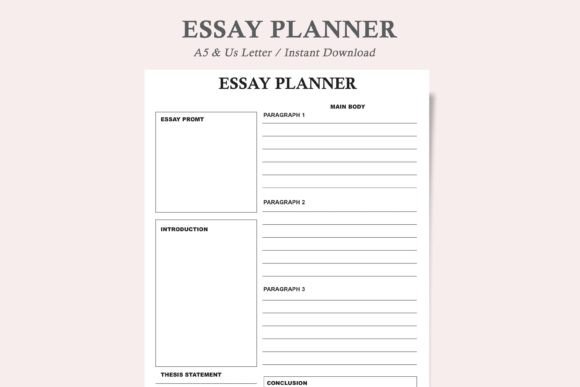
In the midst of our digital workflows, where calendars and task lists often feel purely functional, there exists a simple yet powerful idea: that the tools we use for organization should also inspire us. The Aesthetic Digital Planner is built on this principle. It’s more than a schedule; it’s a customizable canvas for your goals, a visually pleasing framework that transforms planning from a chore into a creative, engaging part of your day. With its clean, modern design, it provides clarity. But its true value lies in its adaptability—it’s a template waiting for your personal touch.
The Creative Foundation of a Functional Tool
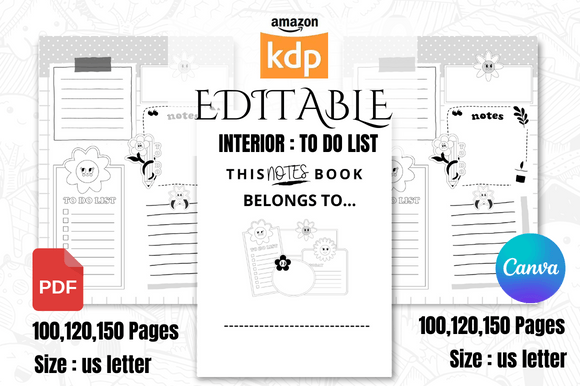
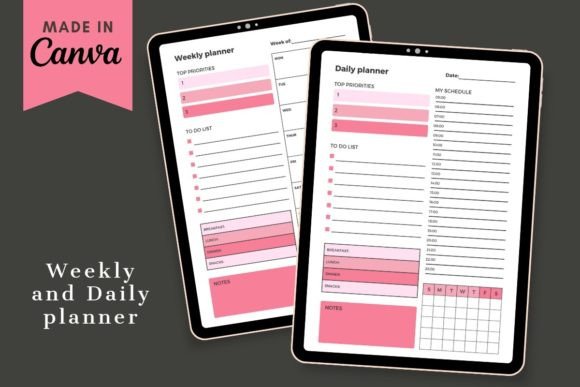
What makes a digital planner interesting isn't just its layout, but its potential. This planner template is designed to be fully editable in Canva, a platform familiar to millions of creators. This means the structure is professional and intuitive, but every color, font, image, and text block is yours to change. You aren’t just filling in dates; you’re designing an environment that reflects your style and motivates you to engage with it. The aesthetic aspect is deliberate—a visually cohesive planner reduces cognitive clutter and makes the process of reviewing your week something you look forward to.
For the blogger mapping out content calendars, the freelancer tracking projects and invoices, or the educator planning lessons, this visual coherence also supports brand identity and professional presentation. The planner becomes a consistent part of your visual language.
Unlocking Versatility for Different Goals
The included daily and weekly planner templates are starting points. Their application expands far beyond personal to-do lists. Consider the creative possibilities:
- For Content Creators & Marketers: Adapt the weekly layout into a social media schedule. Use columns for platforms, color-code post types (photos, videos, blogs), and integrate branding elements. This turns strategic planning into a clear, shareable visual asset.
- For Entrepreneurs & Small Business Owners: Transform the daily planner into a client project tracker. Sections for milestones, contact follow-ups, and revenue goals can be easily added. The clean design ensures complex information remains digestible.
- For Educators & Hobbyists: Use the templates for curriculum planning or personal learning journeys. Insert inspirational quotes related to a skill, or track progress on a creative project like writing or crafting. The aesthetic layer adds an element of enjoyment to the discipline of tracking.
- For Publishers & Freelancers: The planner can serve as an editorial calendar or a submission tracker. Visual deadlines are more impactful, and customizing the template with relevant icons (like books, pens, or clocks) creates a professional, focused workspace.
From Template to Tailored System
The key to effective adaptation is to start with your primary need. Ask: What is the one thing I need to organize most clearly? Then, use the editable nature of the template to serve that need directly. Perhaps you add a dedicated section for financial tracking. Maybe you incorporate a small mood or energy log alongside tasks for greater self-awareness. The templates are designed to be easy to use without Canva Pro, so experimentation is encouraged. Swap the background to a calming gradient for focus work, or use bold, high-contrast fonts for urgent priority lists.
Practical Inspiration for Consistent Use
Maintaining a planner requires habit, but a planner you’ve designed yourself fosters that habit. To keep the results effective and organized, consider these practical recommendations:
- Define a Color Code: Assign specific colors to categories (work, personal, health, learning). This creates instant visual sorting and reduces time spent deciphering lists.
- Integrate Visual Anchors: Place a small, motivating image or icon next to major weekly goals. The visual association can reinforce commitment.
- Balance Density with White Space: While customization is powerful, avoid overcrowding each page. The clean, modern base design is there to prevent overwhelm. Use it. Leave space for notes or unexpected additions.
- Sync with Digital Output: After editing in Canva, you save your planner pages as JPEG or PDF files. This allows you to print them for a tactile experience, or use them digitally as lock screen images or desktop backgrounds for constant, gentle reminders of your focus.
This approach ensures your planner remains a functional tool, not just a decorative project. The originality comes from how it solves your specific organizational challenges.
Sharing Your Organized Vision
Because the final designs are saved in formats like JPEG, PDF, or even GIF, the Aesthetic Digital Planner becomes a shareable piece of your process. For creators and businesses, this is particularly valuable. A well-designed weekly plan can be a snippet shared on Instagram or Pinterest to showcase professionalism or inspire a community. It demonstrates behind-the-scenes organization, which audiences often find relatable and trustworthy.
For the individual, sharing might mean exchanging planner ideas with a peer group for accountability, or simply having a beautifully clear schedule that you can reference quickly during a video call. The planner bridges private organization and public presentation.
Grounding Creativity in Utility
The ultimate goal is not merely to create a beautiful document, but to create a beautiful system that works. The aesthetic digital planner template provides the structure; your creativity fills it with purpose. By merging intuitive design with personal customization, you build a tool that genuinely helps you stay on top of your game and crush your goals. It turns planning into a proactive, creative session rather than a reactive, stressful one. You start taking control not just of your schedule, but of the visual and mental environment in which you manage it.
Begin by downloading the template and opening it in your free Canva account. Place your first image, change your first font. Let the functional meet the inspirational, and watch how a simple act of design reshapes your approach to the day, the week, and your objectives. The path to organized productivity, it turns out, can be one you design yourself.